


What you can safely check
Note the exact model and when the problem occurs. Mention lines, coloured patches or a missing image too: these do not necessarily mean cleaning alone is needed.
Do not remove the cooler to inspect thermal pads. If the system is unstable, stop stress tests and send us a description of its behaviour.
How we can help
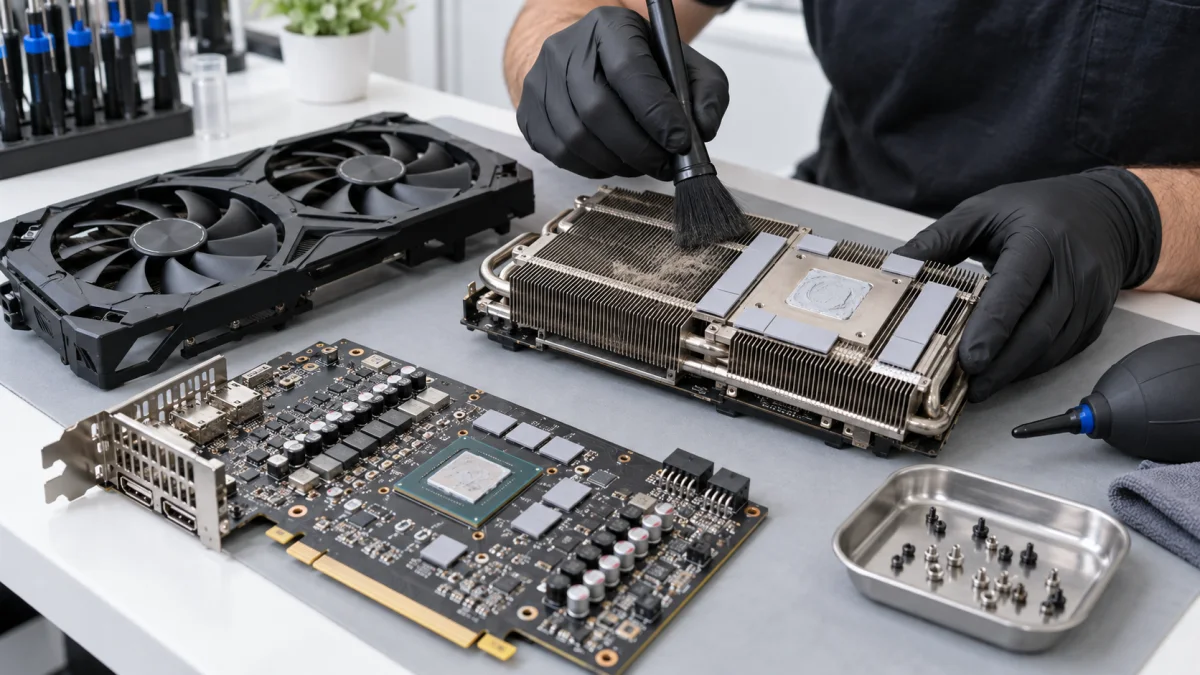
We inspect the heatsink, fans and thermal interface. Cleaning and servicing follow the construction; thermal pad needs and suitable materials are agreed for the exact model.
After reassembly, we check temperatures and stability. Cleaning is not a promise to fix a faulty chip, memory or power circuitry.
Price and what the service includes
The price list distinguishes cards with one, two and three fans. We explain the applicable option and materials before work. New fans, extra parts and electronics repair are quoted separately.
What to send or bring
Send the exact model, fan count and complaint. Clarify whether you will bring the card or whole PC; a system-wide issue may need testing in the configuration.
How we handle it
-
01
Identify the model and whether symptoms relate to cooling.
-
02
Inspect the cooler and required materials.
-
03
Perform the agreed servicing and reassembly.
-
04
Test temperatures, fans and stability.
FAQ
Will cleaning remove visual artefacts?
That cannot be promised. Lines and coloured patches can have different causes. Investigation is needed before choosing maintenance or repair.
Do I need to bring the whole PC?
The card may be enough for separate servicing, but the whole PC helps reproduce system instability. Discuss the case in advance.
How is the price-list option selected?
By construction and number of fans. Send the exact model so we can clarify the applicable operation and materials.