


What you can safely check
Send a photo of the visible damage and the full model. If there is no physical damage and you have an external monitor, tell us whether it displays an image; this is a clue, not a conclusive test.
Do not press the panel or remove the frame. If the hinges are damaged, do not repeatedly open and close the lid just to record a video.
How we can help
Depending on symptoms, we check the panel, backlight and screen connection. A missing image does not always require a new panel; a cable or another component may be responsible.
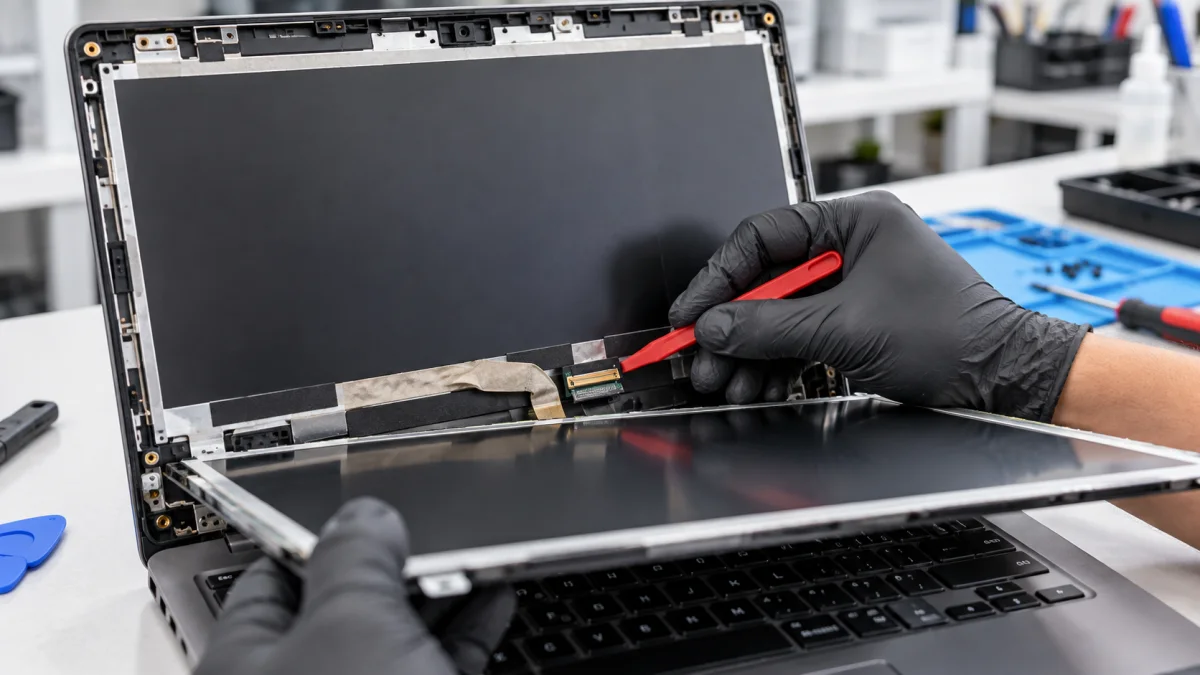
For replacement, we check size, resolution, refresh rate, connector and mounting. After installation, we check image quality and normal display operation.
Price and what the service includes
The price list distinguishes labour for framed and frameless displays. The compatible panel is quoted separately according to model and availability. Hinge, cable and board repairs are different operations.
What to send or bring
Send the model from the label and a screen photo. Mention whether lid movement changes the problem and any impact. Bring the charger; avoid sending personal information visible on the screen.
How we handle it
-
01
Clarify the damage and exact model.
-
02
Check the cause and compatible panel.
-
03
Agree the part and labour and replace the panel.
-
04
Check image, mounting and display operation.
FAQ
Will any screen with the same diagonal fit?
No. Connector, mounting, resolution and other specifications also matter. We select a panel compatible with the laptop.
Does the listed price include the panel?
The displayed options cover labour. The compatible panel is priced separately before replacement.
There is no image but no crack. Is replacement needed?
Not necessarily. We check the panel, cable, display power and other possible causes within the laptop.