


What you can safely check
If there was no spill and the laptop otherwise works normally, note whether every application is affected and whether an external keyboard works. This helps distinguish settings from a hardware problem.
After a spill, stop using and charging the laptop and contact us. Do not turn it on again to test or remove keycaps to inspect underneath.
How we can help
We inspect the keyboard, connection and signs of other faults. We select a compatible layout, language and backlighting according to the model and available parts.
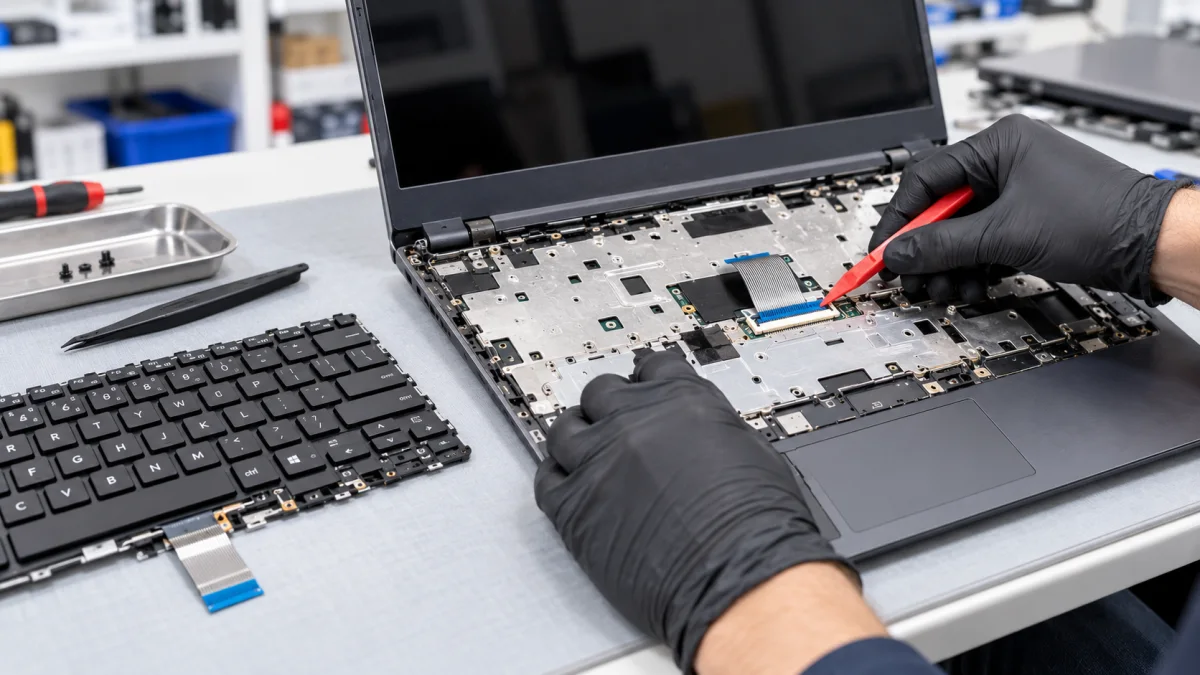
Some laptops accept a separate keyboard; others require more extensive disassembly or a top case with keyboard. After replacement, we test keys and available functions.
Price and what the service includes
No-disassembly, disassembly and full-disassembly options for a framed keyboard are on this page. Prices cover the applicable labour; the keyboard, frame and liquid-damage repairs are quoted separately.
What to send or bring
Send the full model, a keyboard photo and the affected keys. Mention spills and your preferred layout. You do not need to determine the disassembly method yourself.
How we handle it
-
01
Check the symptoms and exact keyboard.
-
02
Agree the layout, part and access method.
-
03
Replace it according to construction.
-
04
Test keys, combinations and backlighting where fitted.
FAQ
Why are there different replacement prices?
Access differs. Some keyboards are easy to replace; others need disassembly and frame work. The model determines the option.
Can you replace just one key?
It depends on the mechanism and damage. Send a photo and model so we can clarify whether a partial intervention or new keyboard is appropriate.
Is a new keyboard enough after a spill?
Not always. Liquid may have affected other components. The device must be inspected rather than simply ordering a keyboard.