


What you can safely check
Describe the sound and when it occurs. A short recording helps, but do not insert objects in the vents or open it for a photo.
Stop the workload after a warning or shutdown. A quiet fan does not itself prove a fault: behaviour is assessed against the mode and model.
How we can help
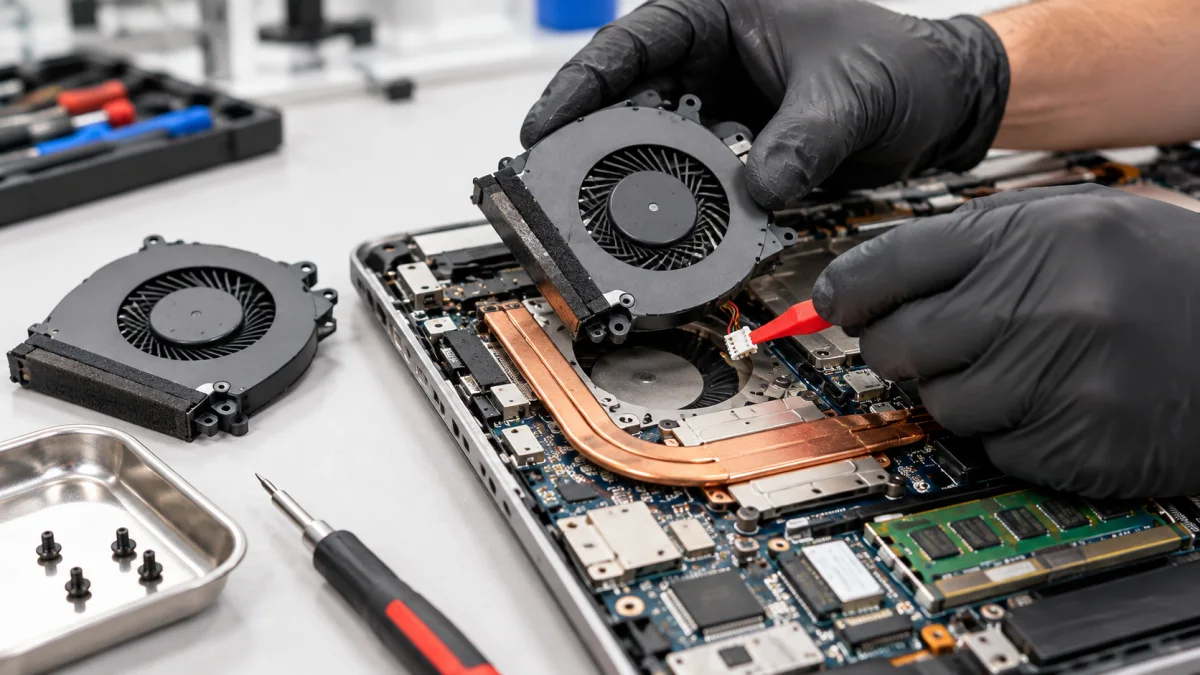
We inspect the fan, heatsink, connection and cooling condition. We distinguish dust buildup from a mechanical fault to avoid unnecessary replacement.
If needed, we select a compatible fan and install it. We check startup, noise and temperatures; additional maintenance is agreed according to condition.
Price and what the service includes
The price depends on model and labour needed. A new fan and extra thermal servicing are not automatically included in another operation.
What to send or bring
Send the exact model, a sound description or recording and any error message. Bring the charger. With multiple fans, you do not need to identify the affected one yourself.
How we handle it
-
01
Record the sound, warnings and model.
-
02
Check whether replacement or cleaning is needed.
-
03
Agree the compatible part and install it.
-
04
Check spinning, noise and temperatures.
FAQ
Does every noisy fan need replacing?
No. Dust or a heavier workload may cause noise, while grinding can suggest a mechanical issue. Inspection is needed.
Will a same-size fan from another model fit?
Size alone is insufficient. Mounting, connector and compatibility with the cooling assembly matter. We select by exact model.
Does replacement include complete maintenance?
Scope is agreed first. Replacing a part and fully servicing the thermal interface are different activities.