What you can safely check
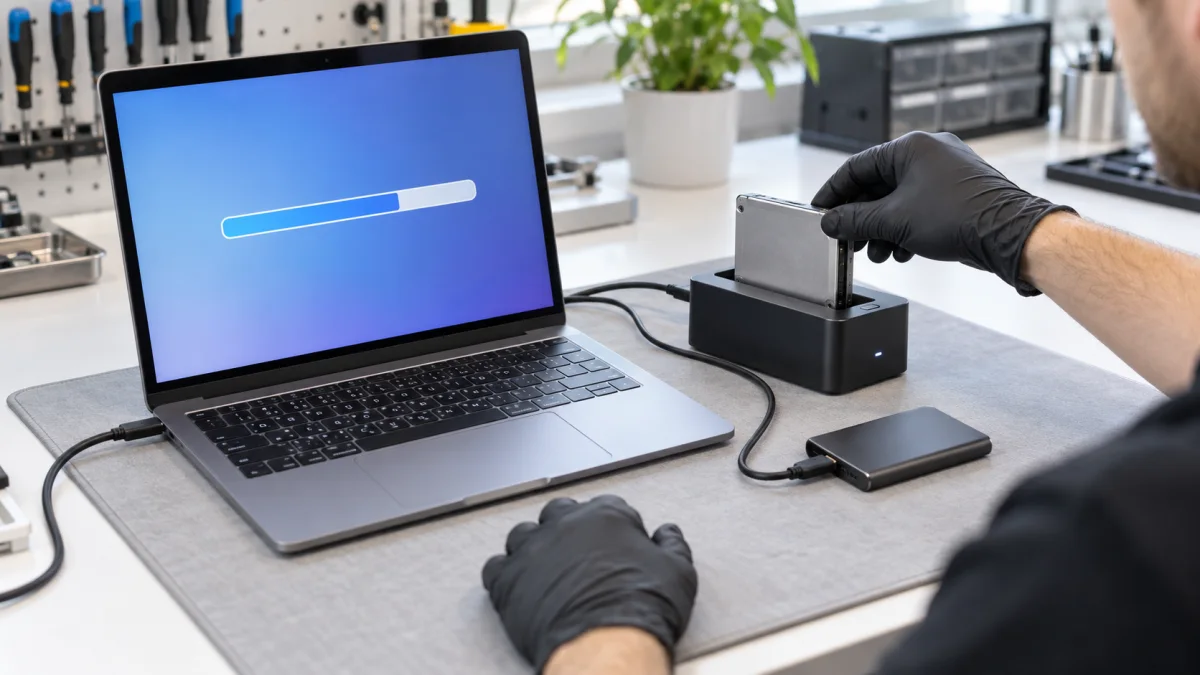
Photograph the error message while hiding personal information. List important folders and programs. If you have a working backup, tell us where it is and when it was made.
Do not start a factory reset or formatting if files are not backed up. Do not send Microsoft, email or other account passwords in chat.
How we can help
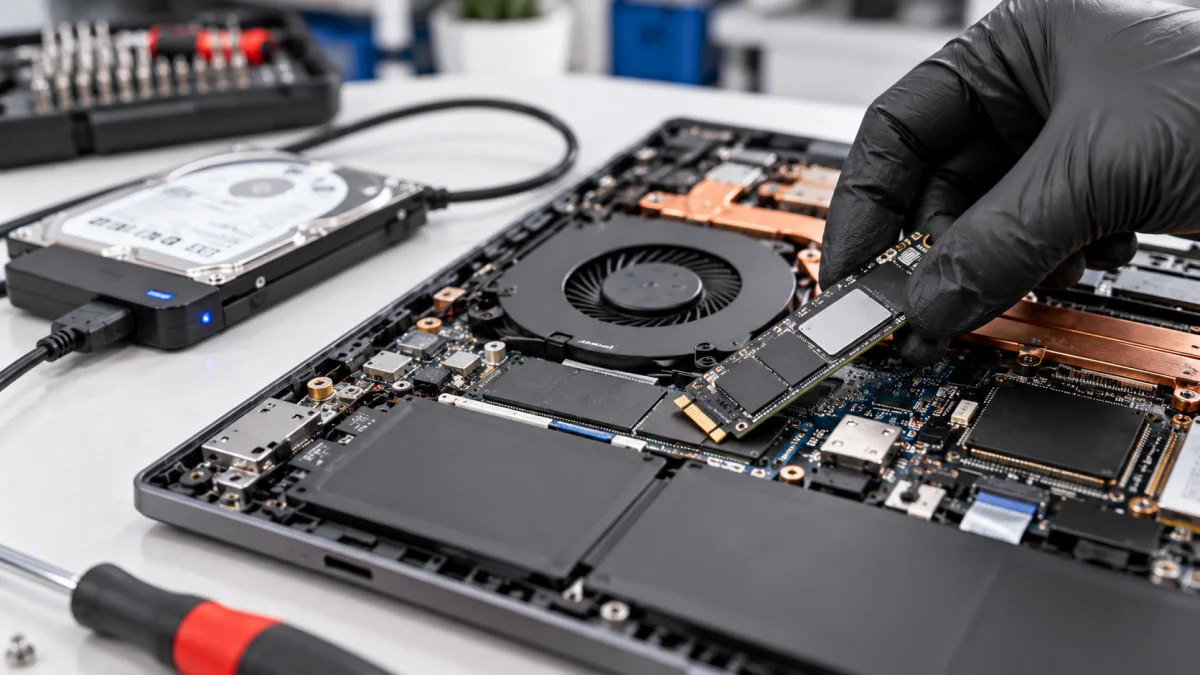
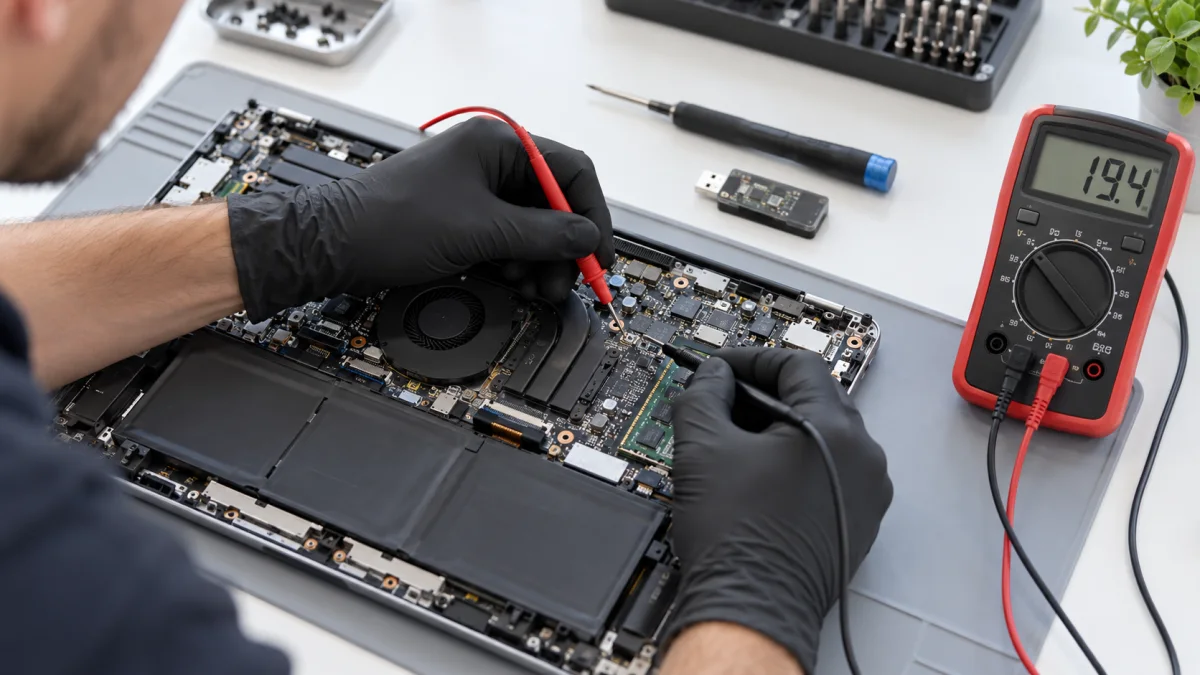
We clarify the compatible system, drivers and specific programs. If symptoms suggest drive, memory or overheating problems, we first discuss diagnostics: new Windows cannot fix faulty hardware.
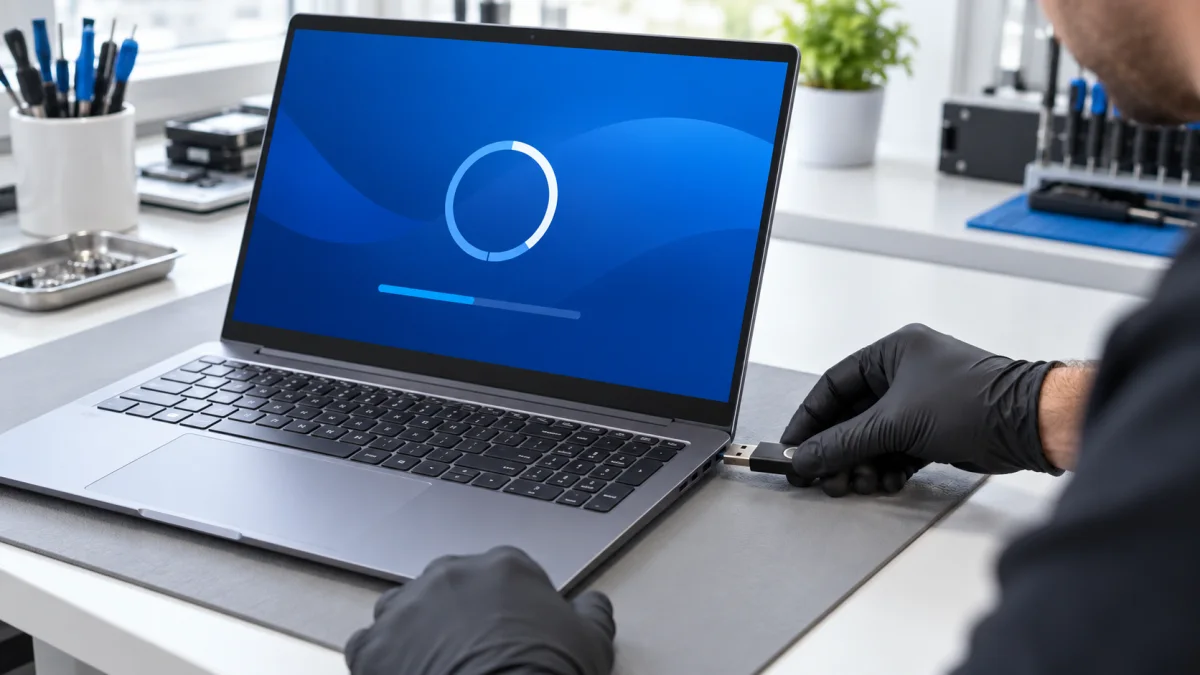
We install the agreed system and check core devices and functions: image, sound, network and normal startup. Programs and licences are agreed with the customer, without offering unlicensed software.
Price and what the service includes
The operation includes Windows, drivers and agreed essential programs. The customer provides required licences. File copying, system migration, the SSD and specialist work settings are agreed separately.
What to send or bring
Tell us the model, intended use and program list. Identify important data, available licences and whether the device is managed by an employer or organisation. Bring the laptop charger; account access is arranged separately.
How we handle it
-
01
Clarify the issue, files, applications and licences.
-
02
Assess whether hardware diagnostics is needed.
-
03
Install the agreed Windows, drivers and applications.
-
04
Check startup and core functions.
FAQ
Does reinstallation always fix a slow PC?
No. Drive problems, insufficient memory, overheating or other faults need a different solution. We clarify symptoms first.
Are my files automatically preserved?
Do not assume this is included. We first agree which files matter and whether they can be copied given the drive condition.
Is a Windows licence included?
No. The customer provides licences. Installation and technical setup are different from purchasing a software licence.