What to clarify before buying
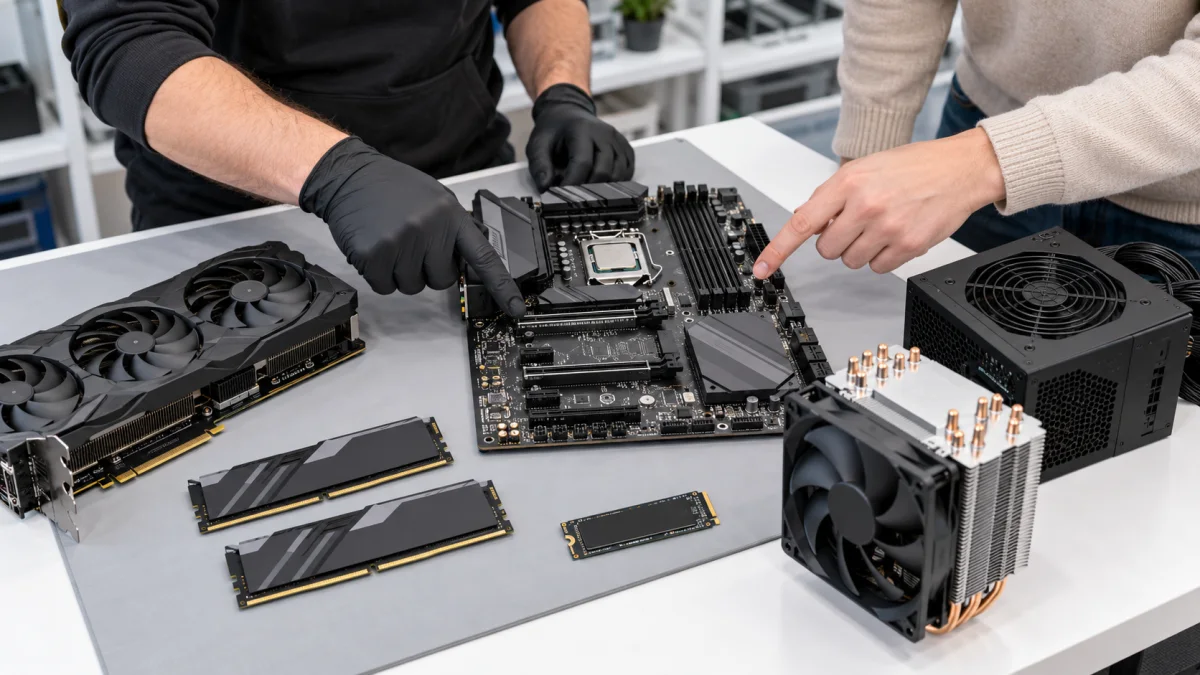
Send the PC model or current component list and a link to the chosen part. Case dimensions, power supply and available connections may limit the choice.
Do not buy on similar appearance or model name alone. If you are replacing a part because of a fault, we first clarify whether it is actually responsible.
How we can help
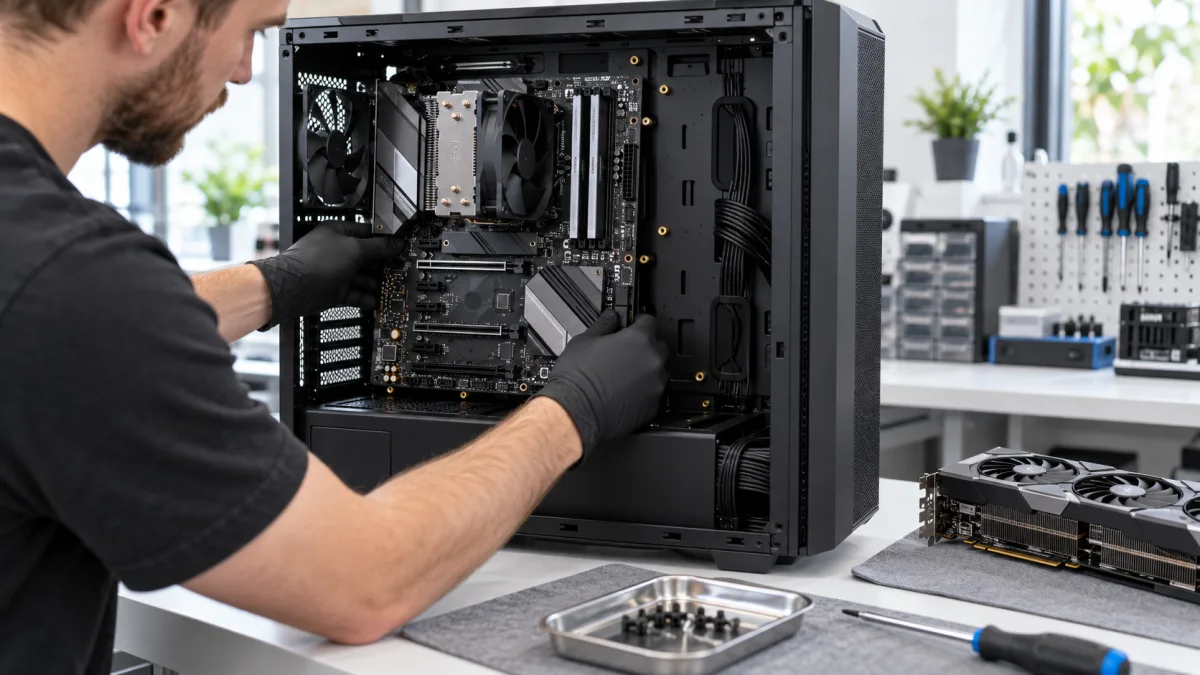
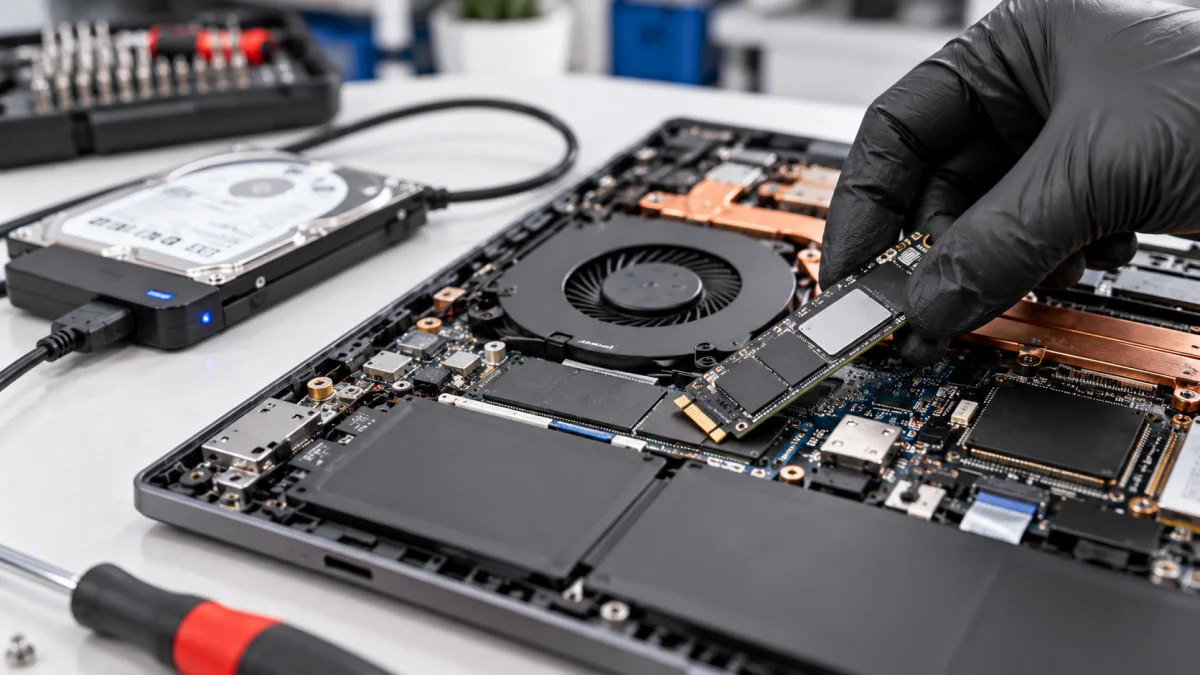
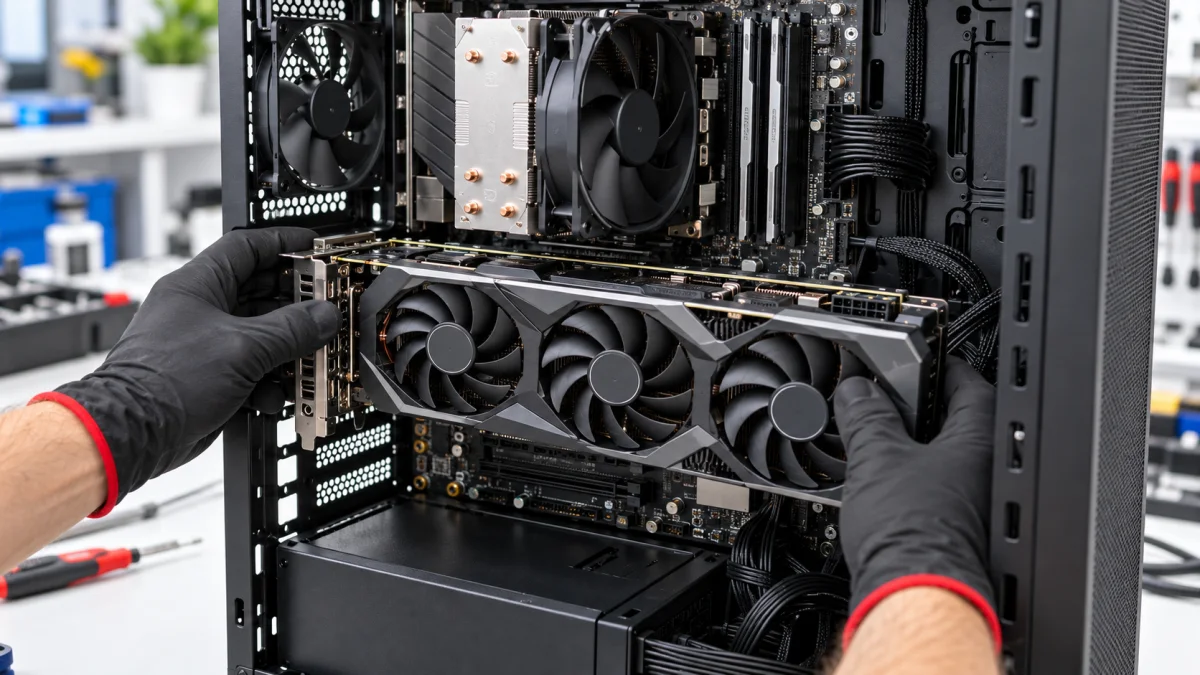
We check compatibility, physical access, power connections and cooling. We install the agreed part, arrange the required cables and check recognition.
Testing depends on the component: startup, memory, storage, image or stability under load. If additional settings or software work are needed, we explain the separate scope.
Price and what the service includes
Options distinguish office and gaming PCs and motherboard replacement. Prices cover labour; components and any installation or data transfer are agreed separately.
What to send or bring
Tell us what you want to achieve and which parts you already have. Bring the cables, brackets and accessories needed for the new component. Identify important files if the work affects the system drive.
How we handle it
-
01
Compare the current configuration and new part.
-
02
Clarify compatibility, labour and additional needs.
-
03
Install the component and required connections.
-
04
Check recognition and operation in the system.
FAQ
Can I bring my own part?
Yes. Send the exact model in advance. We check suitability for the configuration and which accessories are needed.
Does the price include the new component?
No. These prices cover the described labour. Parts, software and data transfer are agreed separately.
Does a new motherboard require Windows reinstallation?
The operation name alone does not determine this. We check compatibility, system condition and licensing requirements and discuss the necessary actions.