What you can safely check
Note the game, settings and how long it takes for the issue to appear. If you already monitor temperatures, send a screenshot; there is no need to install unfamiliar software.
Check externally that airflow around the case is not blocked. Do not repeatedly stress-test a PC that shuts down. Frame-rate drops can also have a software cause.
How we can help
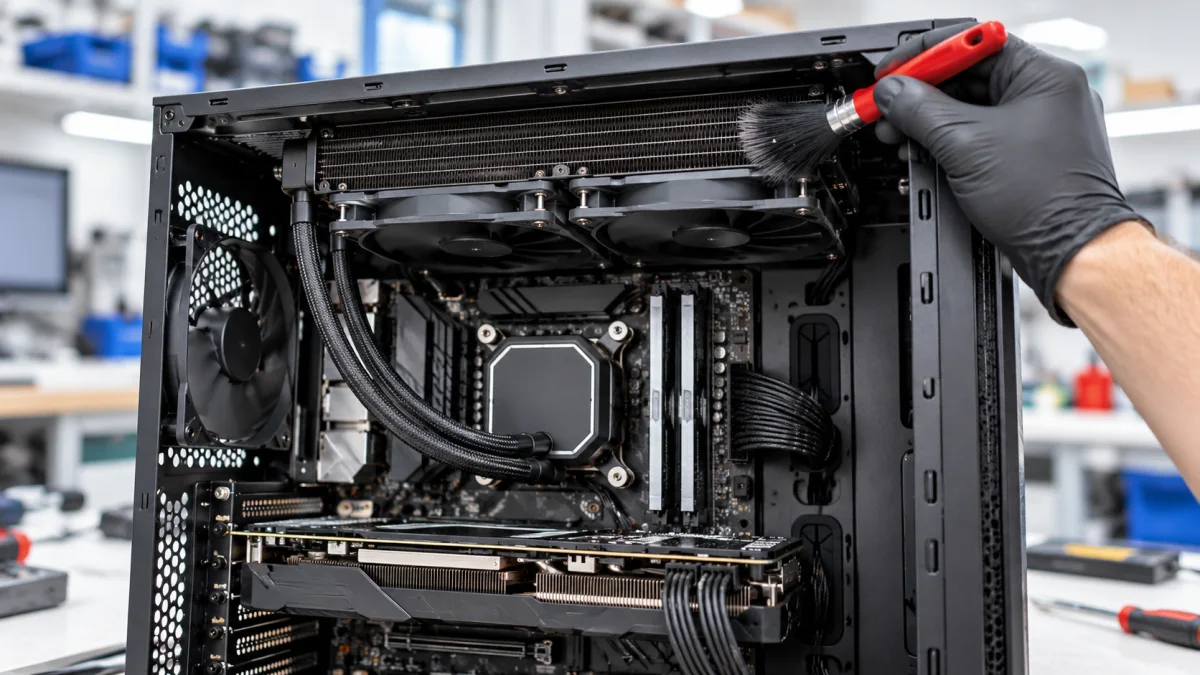
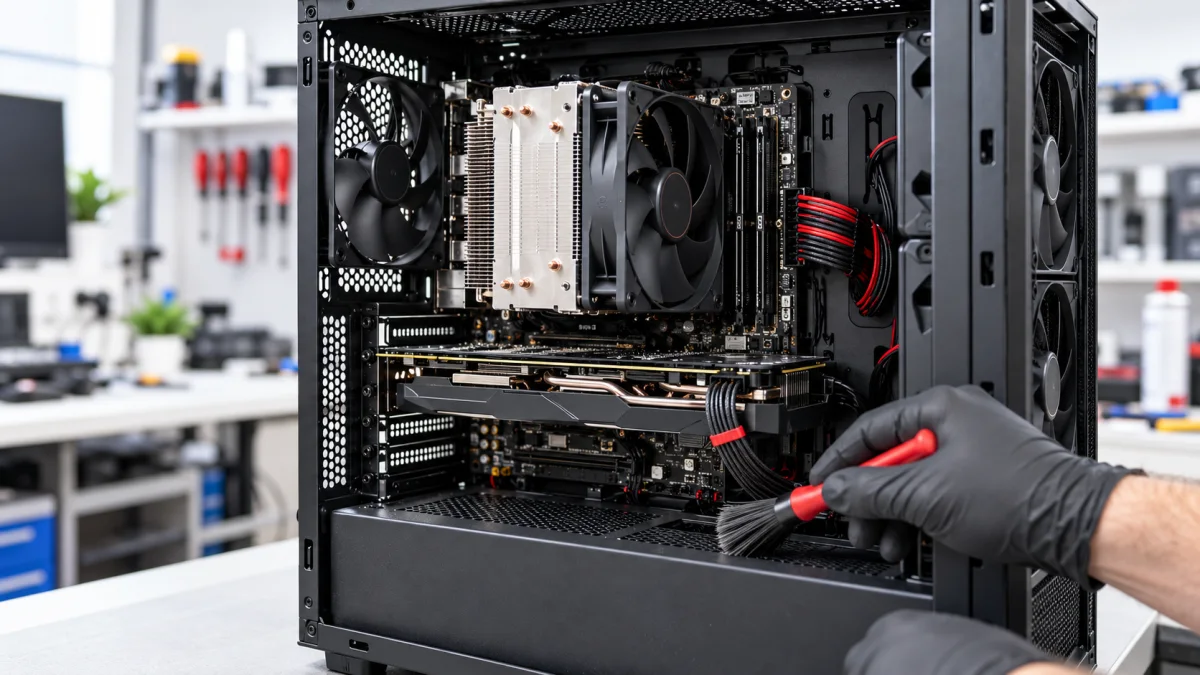
We clean the case, filters, fans and heatsinks, service the CPU cooler and check airflow. The work is adapted to the components and construction.
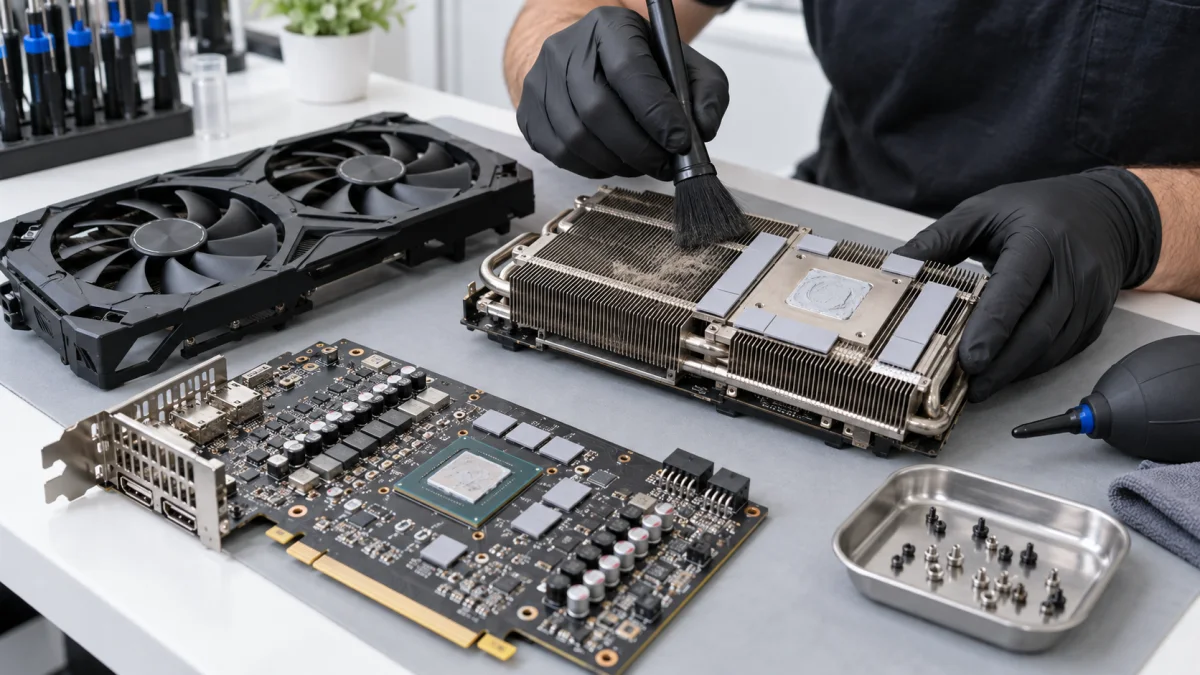
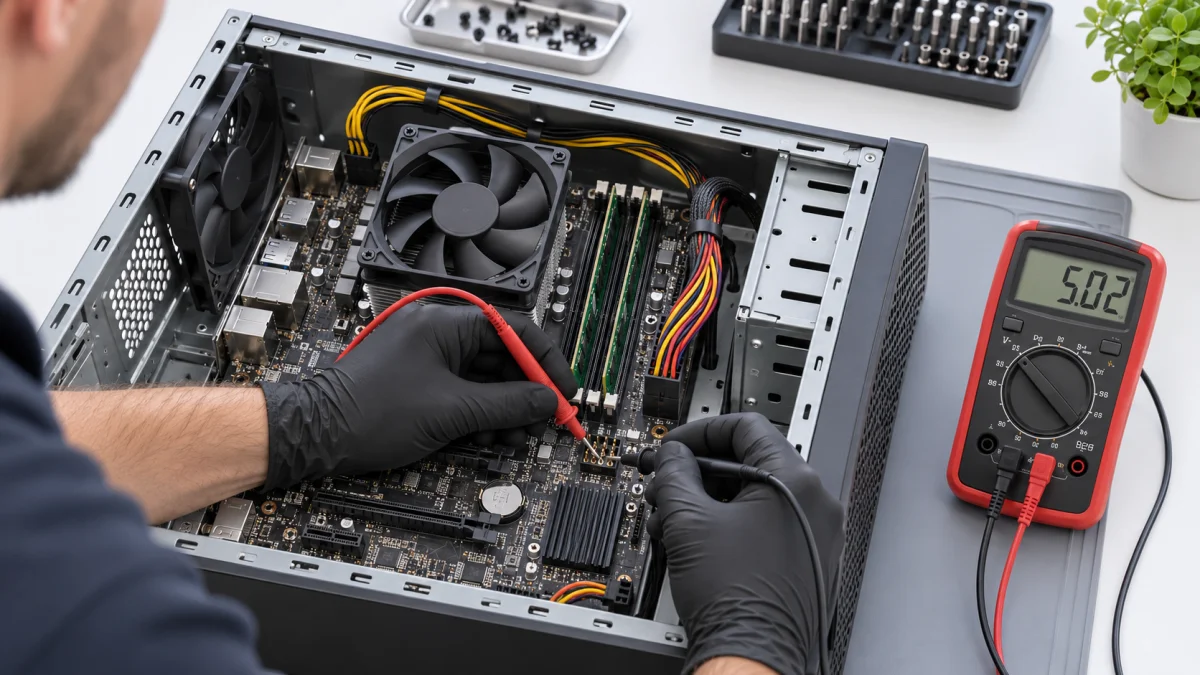
After servicing, we check temperatures and stability under load. If internal graphics card servicing or fan replacement is needed, we explain that separate scope before work.
Price and what the service includes
The price covers the described PC maintenance. Graphics card disassembly and thermal servicing, repairs and new components are not automatically included. Water cooling is covered by a separate service.
What to send or bring
Send the main components or a configuration photo and name the game where the issue occurs. Mention previous repairs, cooling modifications or settings that may affect its behaviour.
How we handle it
-
01
Clarify the configuration and behaviour during games.
-
02
Inspect cooling, dust and airflow.
-
03
Perform the agreed cleaning and thermal maintenance.
-
04
Test temperatures and stability under load.
FAQ
Does cleaning guarantee higher frame rates?
No. It may help if overheating causes the performance drop. Hardware limits, settings and software issues are not fixed by cleaning alone.
Is graphics card disassembly included?
Internal graphics card maintenance is a separate service. We clarify whether it is needed and its price before starting.
Which service covers water cooling?
There is a dedicated water-cooled PC page. Send the system type or a photo so we can discuss the maintenance needed.