


What you can safely check
Without opening the case, check the external power and display cables and the selected monitor input. Note whether a startup logo or error appears.
If there is a burning smell, sparking or a damaged cable, do not try to start it again. Do not open the power supply. Describing the symptoms is enough to start a conversation.
How we can help
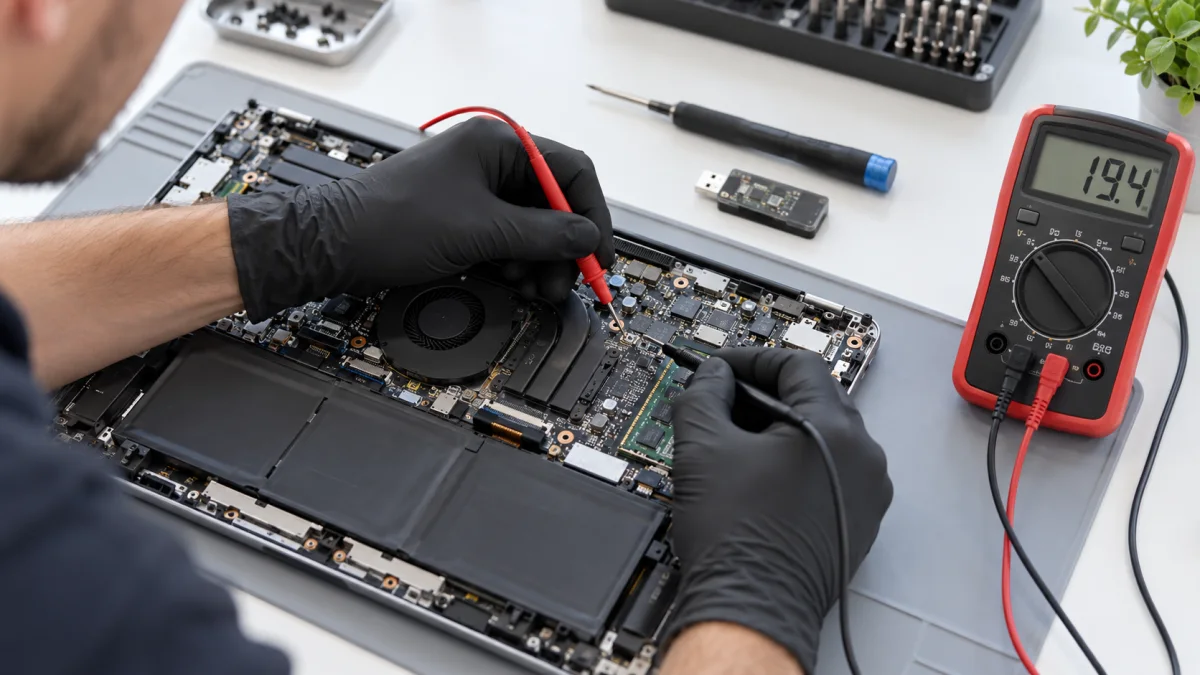
Depending on the behaviour, we distinguish problems with power, main components, cooling and the operating system. We do not recommend a new part simply because there is no image.
Before further work, we explain what was found, the repair or additional investigation needed and its cost. After an agreed repair, we also check the originally reported symptom.
Price and what the service includes
There are separate options for a PC that starts and displays an image and one that will not start or has no image. Diagnostics does not automatically include replacement parts, reinstallation or repair.
What to send or bring
Describe what happens after starting and when the issue began. Mention recent upgrades, a power interruption or errors. Before bringing a monitor and peripherals, ask whether they are needed for your case.
How we handle it
-
01
Record the symptom and the conditions in which it occurs.
-
02
Check the relevant hardware and software areas.
-
03
Explain the cause, possible actions and cost.
-
04
After approved additional work, check the result against the reported issue.
FAQ
Does a black screen mean a failed graphics card?
Not necessarily. The monitor connection, power or another component may be responsible. We investigate first rather than starting with graphics card replacement.
Do I need to bring the whole PC?
For system diagnostics, we normally need the case with its components. If you suspect a peripheral, describe the issue first so we can clarify what to bring.
Does diagnostics include repair?
No. These prices cover investigation. Repair, parts and software work are agreed separately.